
Mu World Creator · Premium · 3D Map Editor
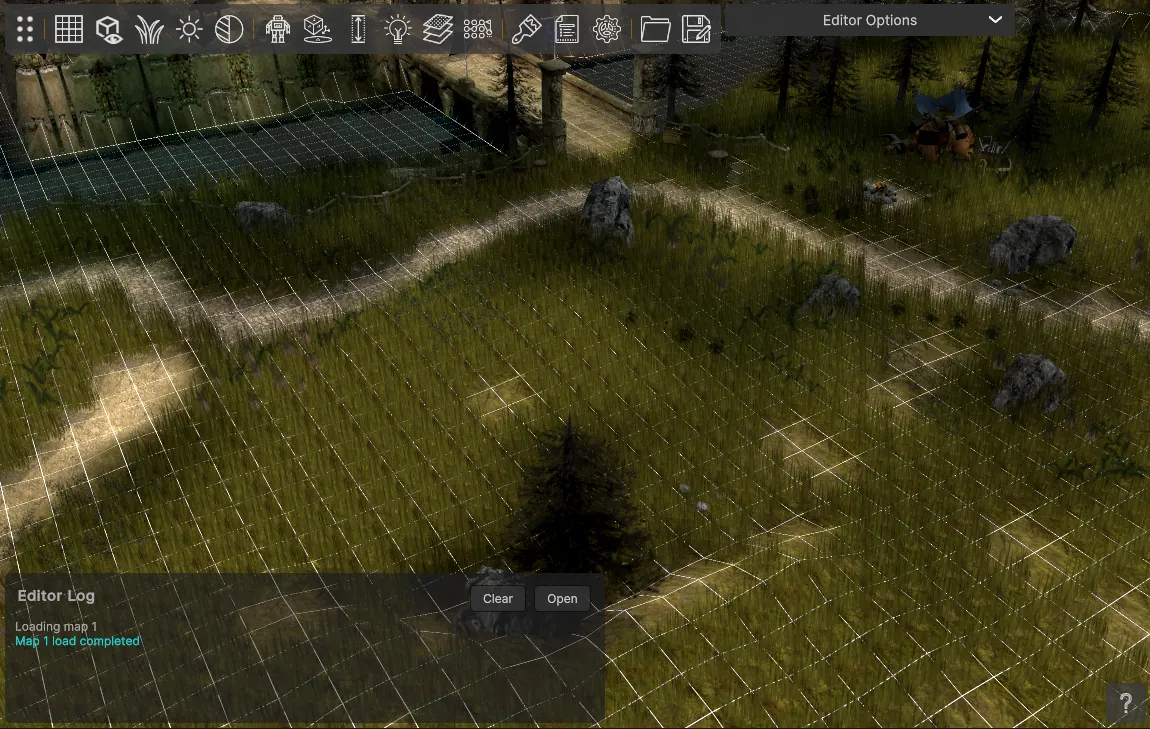
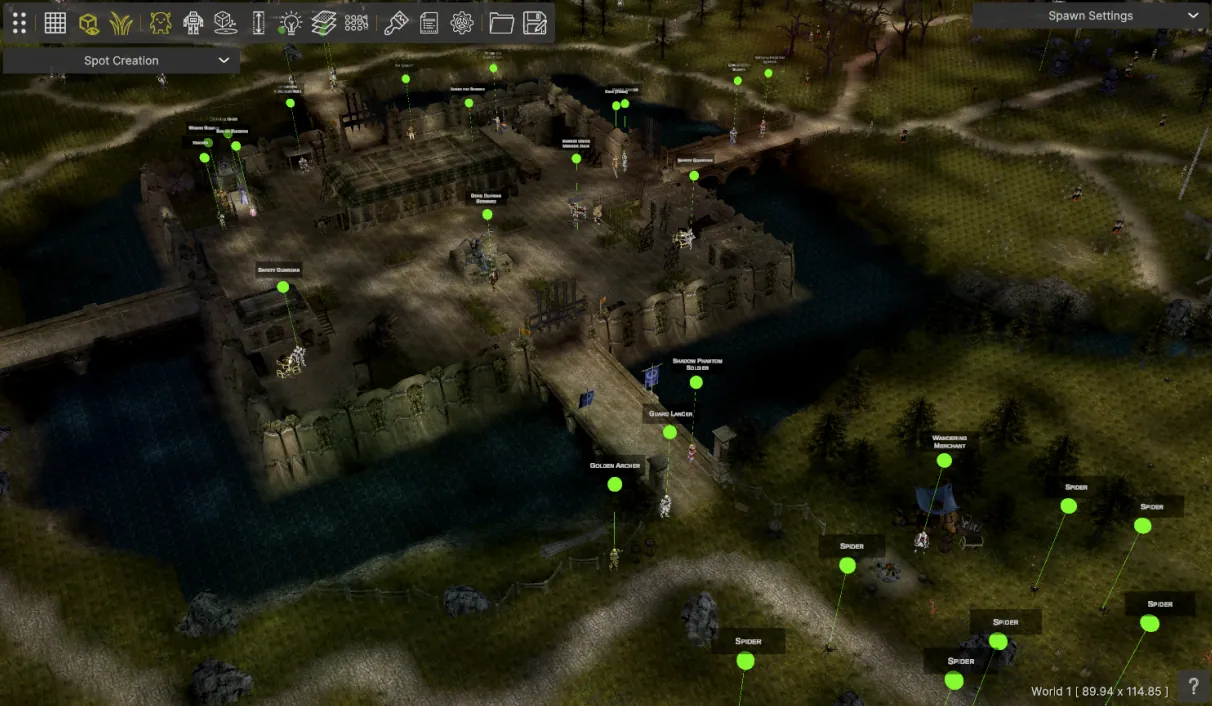
Create and modify World Maps in 3D
Mu World Creator is a tool to visually create and modify MU world maps in 3D.
Supported map settings and features
Every part of a map, edited where you see it.
Terrain
- Terrain Height
- Holes and mountains.
- Terrain Light
- RGB color and strength.
- Terrain Layer
- Ground tiles, grass, merging layers.
- Terrain Attribute
- Safe zone, attack zone, etc.
- Undo / Redo
- Ctrl+Z / Ctrl+Y for the terrain tools.
Objects and monsters
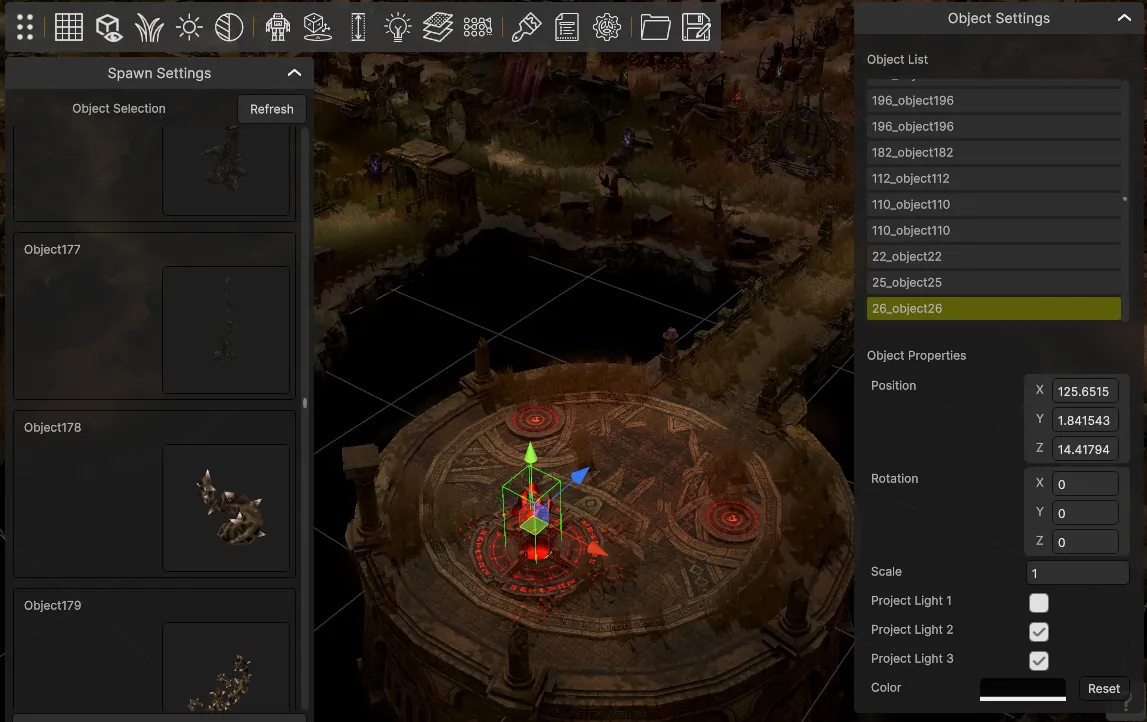
- Terrain Objects
- Add, remove and edit: position, scale, rotation, light.
- MiniMap.xml Editor
- The minimap tags of your map.
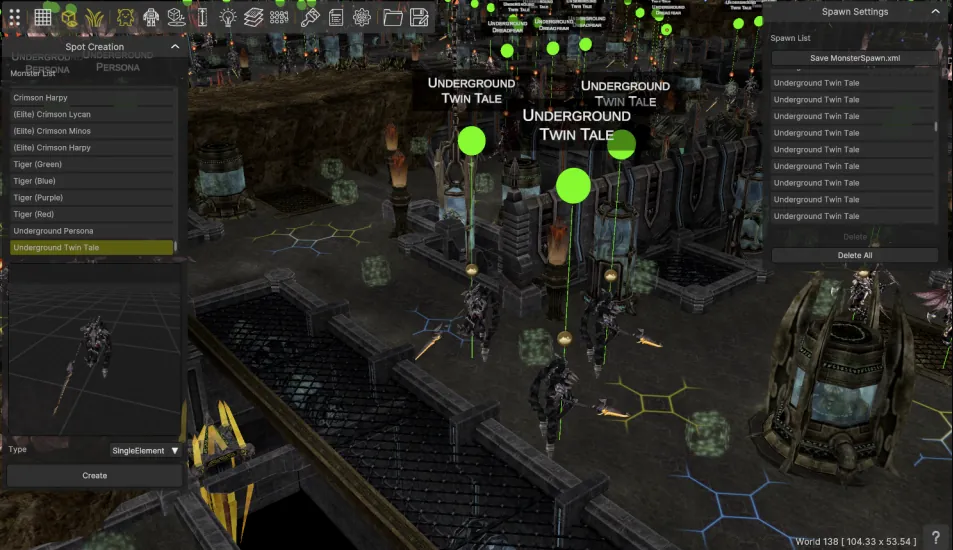
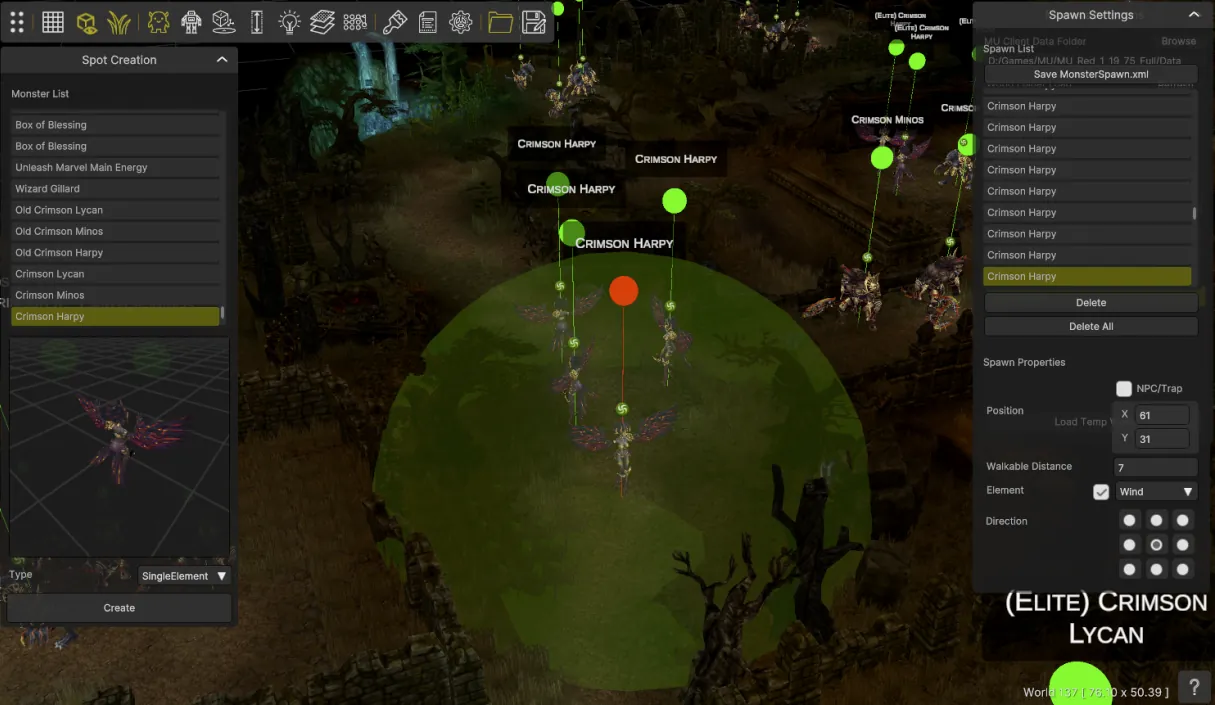
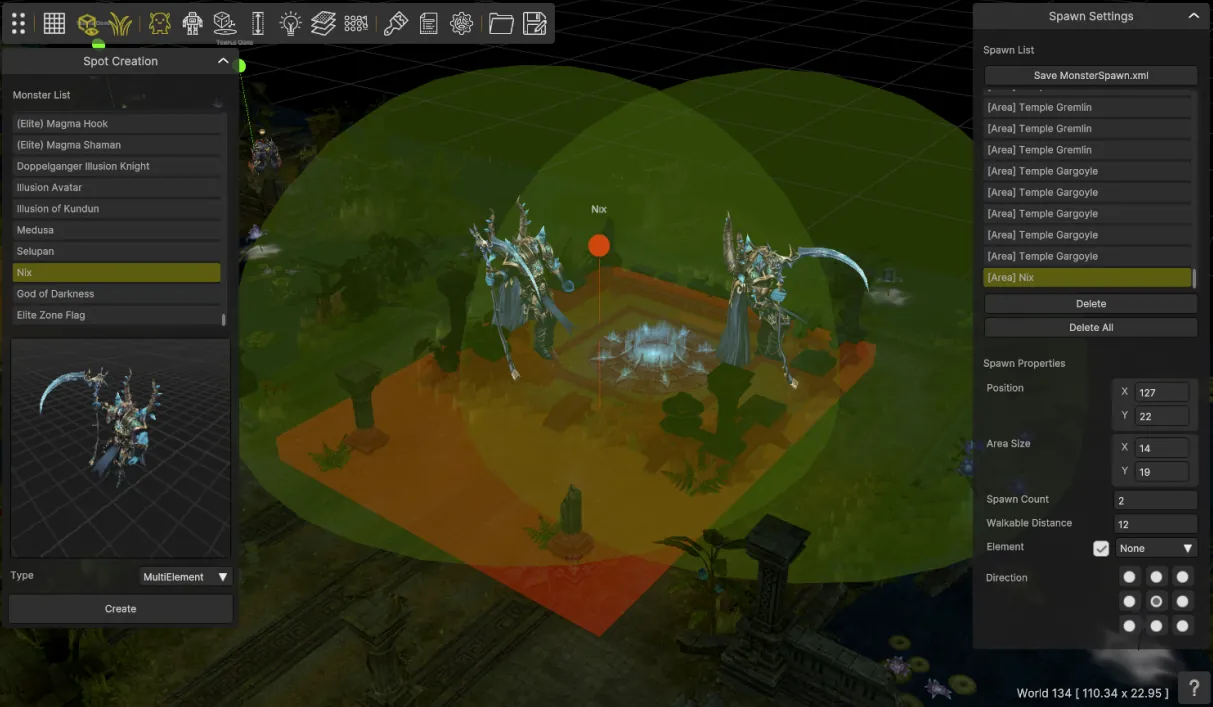
- MonsterSpawn.xml Editor
- The monster spawns, right on the map.
Generated upon export
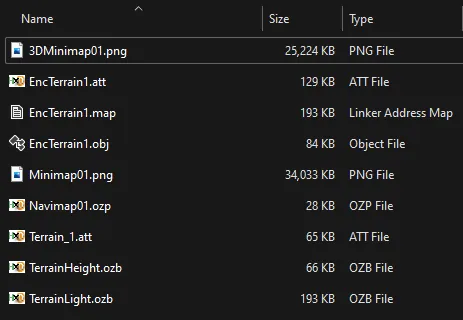
- Server Terrain file
- Ready for the server.
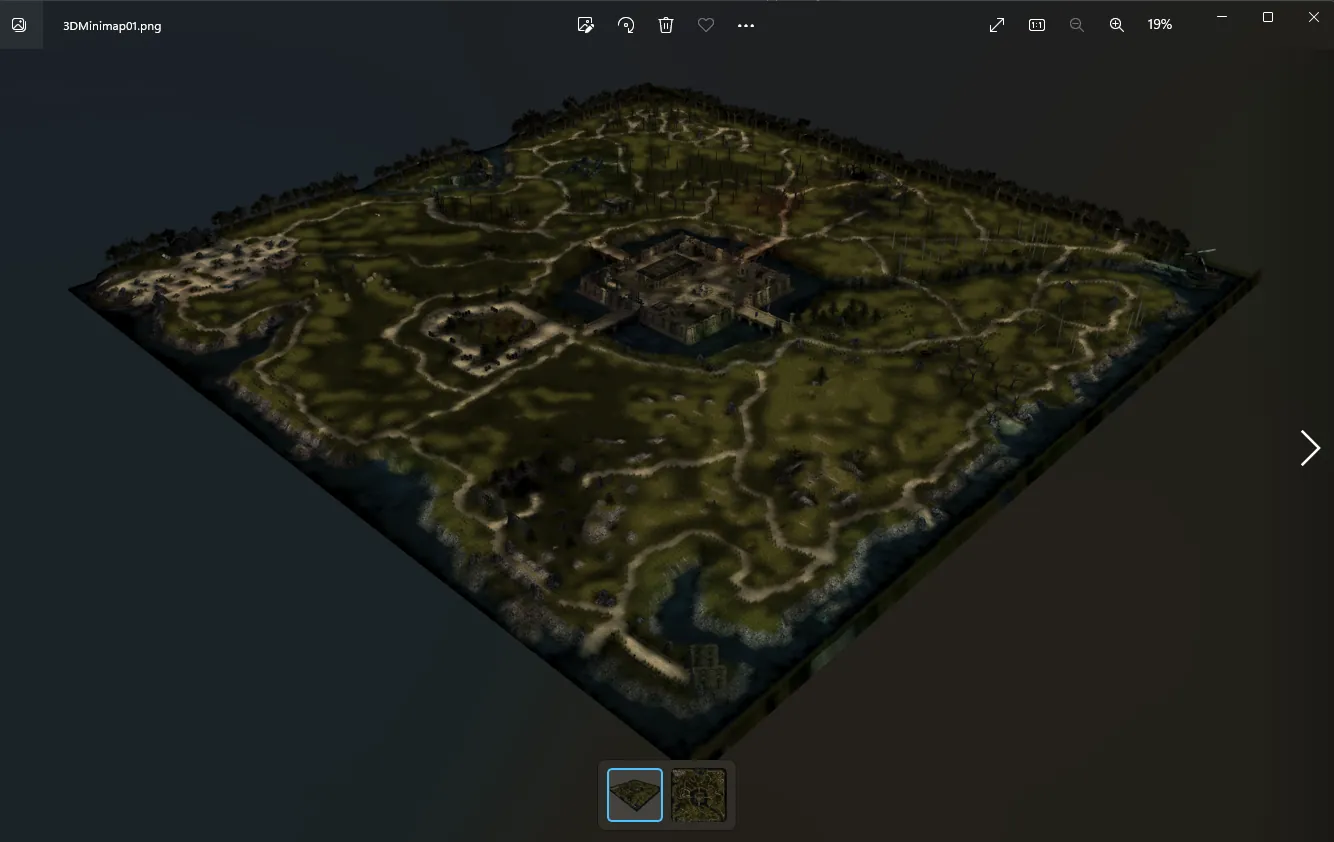
- 6K 3D preview
- A 6K 3D preview of your map.
- Navi-map file
- The navi-map of your map.
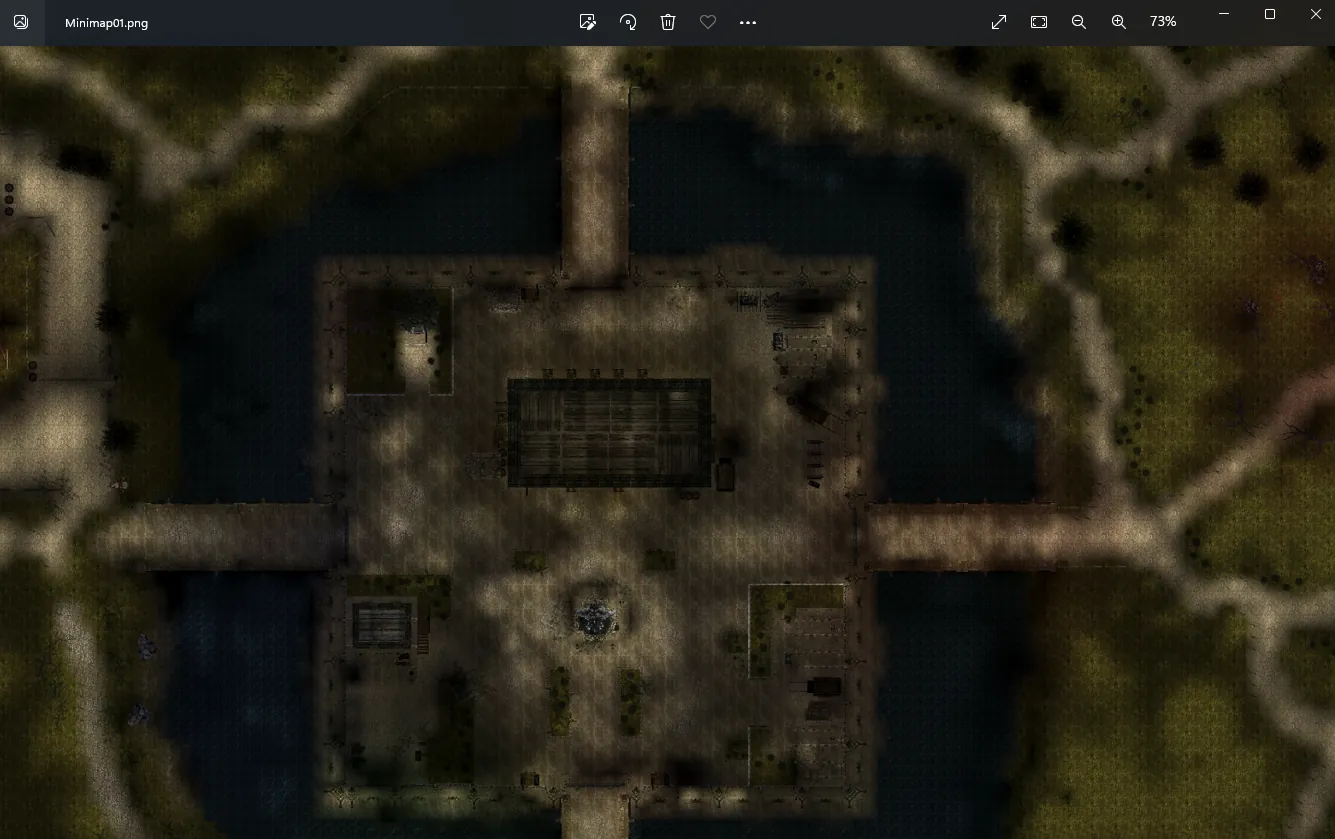
- 6K mini-map
- A 6K mini-map of your map.
MU Client Support
- Every client version
- All client versions are supported and automatically detected.
- Between versions
- You can also export a map from one version to another, but this is not recommended since not all features are supported across all client versions (a limitation of the client, not of the editor).
- To another Map ID
- Exporting an existing Map ID to a different Map ID is supported, but may not be supported by the client and some objects might not render properly (a limitation of the client, not of the editor).
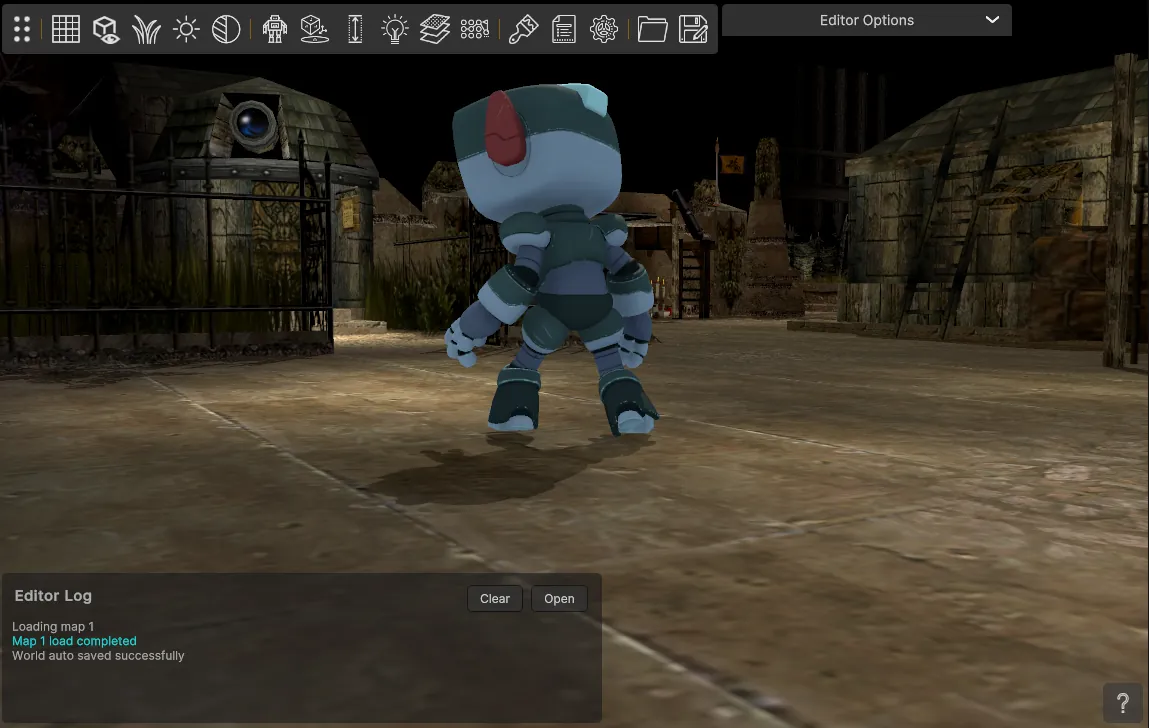
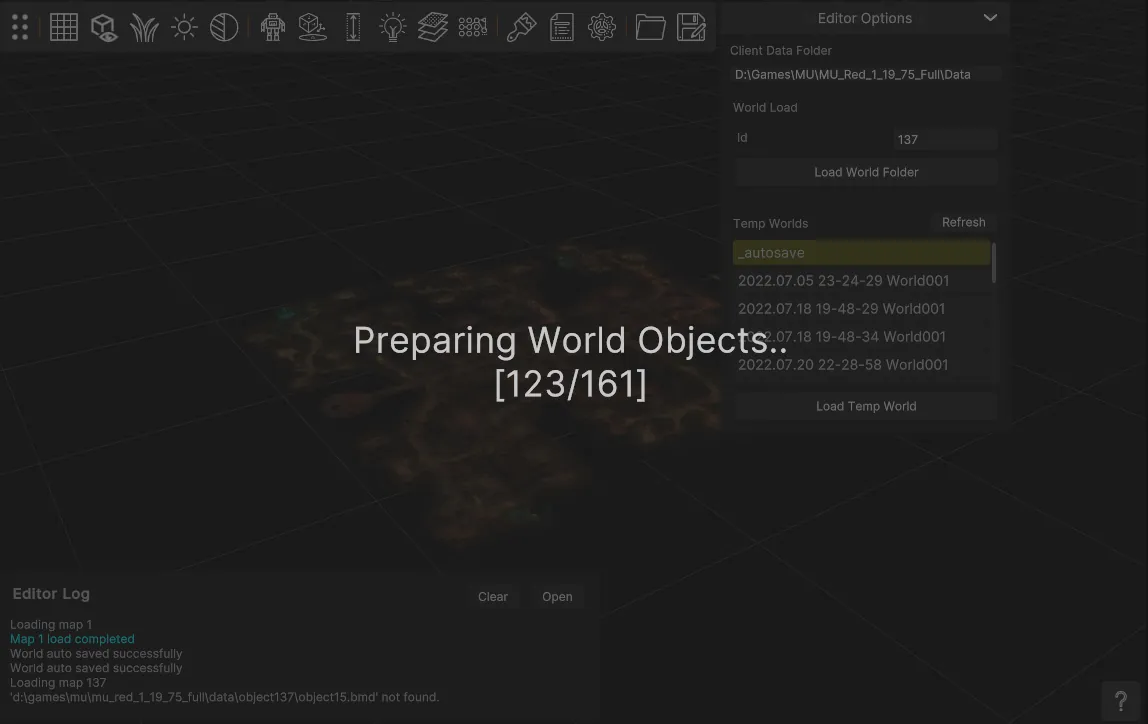
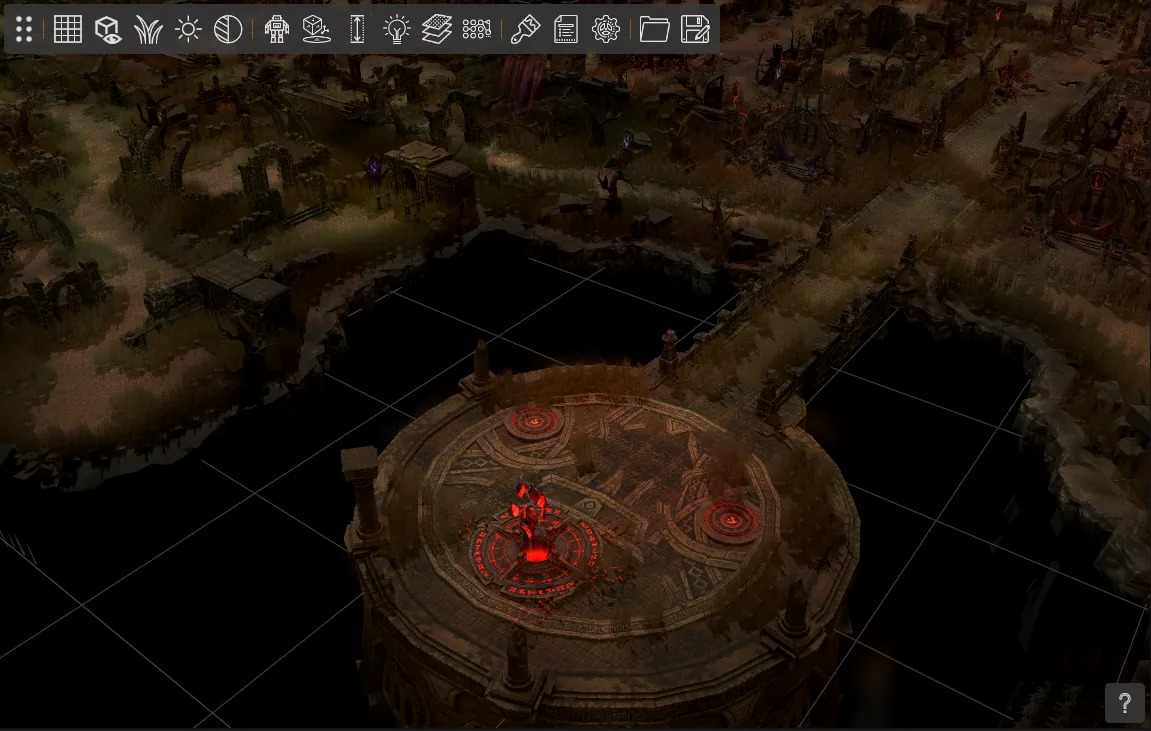
See it in action
Minimum system and hardware requirements
- Operating system
- Windows 7 (SP1+), Windows 10 and Windows 11
- CPU
- x64 architecture with SSE2 instruction set support
- Memory
- 4GB RAM
- Graphics API
- DX10, DX11, DX12 capable
- Additional requirements
- Drivers officially supported by the hardware vendor
A network connection is required to open the editor (login) and to export maps. Apart from these two operations, it works offline.
License and terms
- A one-time payment for a lifetime license to use the editor, including updates and bug fixes. The license is linked to your forum account and cannot be transferred or resold.
- After paying for the license, you receive a unique token loaded with 100 map exports. Every export is deducted from your remaining exports.
- Once the token is depleted (0 exports remaining) you need to buy a new export token from our store, in addition to the upfront cost of the license. The export token is linked to your account and cannot be used on other accounts.
- The application is not licensed to a PC, but to an IGCN account: use the editor from anywhere you like. Abusing the system or sharing the editor and forum account is not permitted and results in the termination of your account and a ban from all IGCN services.
- After purchase you can download the application and use it right away. An automated support ticket is created to provide the export token loaded with 100 map exports.*
- Payment with PayPal (Visa / Mastercard / American Express / Discover / PayPal account). Payments are not refundable: the license and token provided are virtual items, not fungible ones. The price of this product is subject to change at any time without further notification.
*Our support team provides the service as soon as possible after receiving all the details it needs; in some cases, installation may take up to 48 hours.
Mu World Creator
A lifetime license with updates and bug fixes, and 100 map exports to start.