
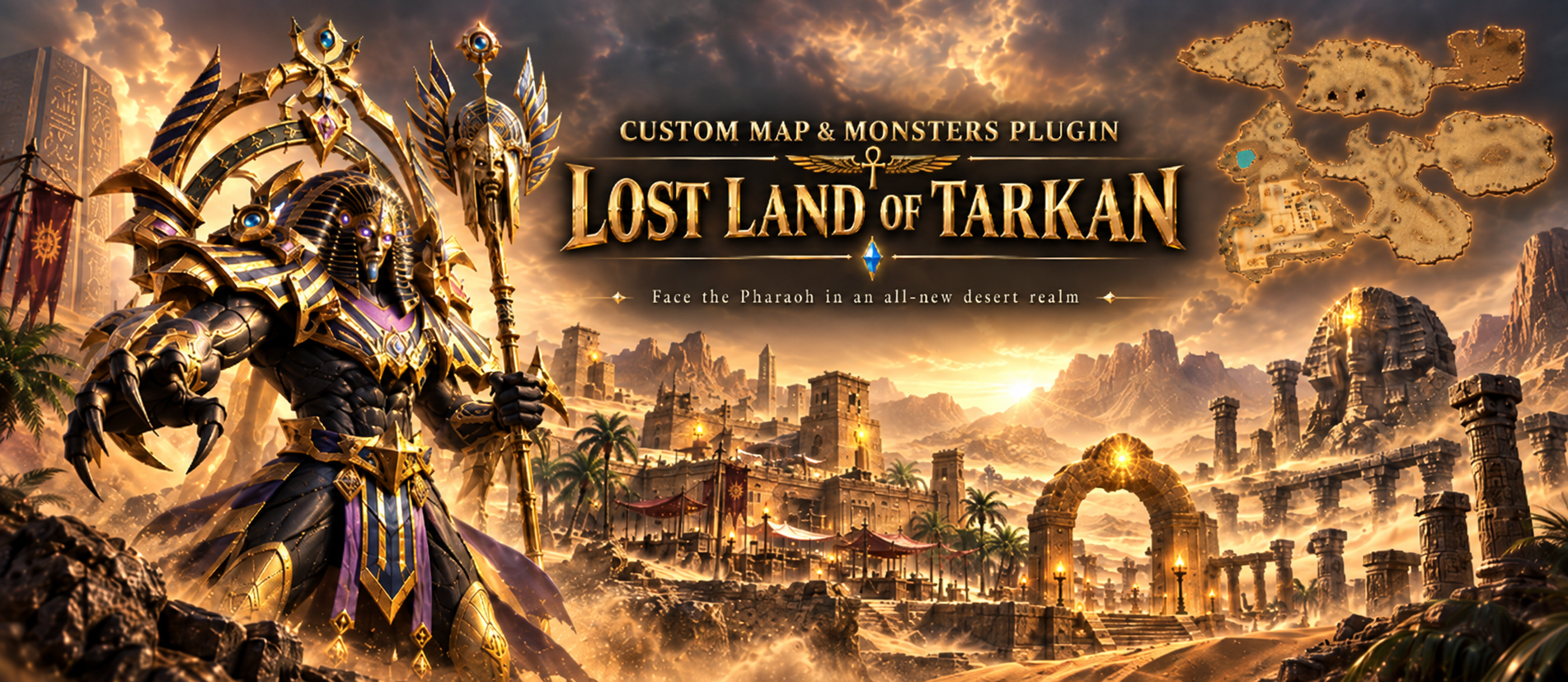
Custom Maps & Monsters: Build Your Own Worlds and Bosses in Pure Lua
A new plugin for the LuaAPI ecosystem. New playable worlds and monsters from your own models, scripted entirely in Lua.
Adding a world or a monster of your own to MU used to mean the same thing every time: a client developer, map limits hardcoded in the binary, and a fresh build for every model and every effect. Custom Maps & Monsters takes that wall down. Register a world, put your own models on monsters and NPCs, and give both a Lua script that runs every frame. No client patching, no rebuild.
What it is
Custom Maps & Monsters adds two things the client was never built for: playable worlds above the original map range, and monsters drawn from your own models. Both are configured from encrypted files, and both can be scripted in Lua.
The plugin is what brings a world into the game - it does not draw one. Worlds are made and edited in MU World Creator, which is also the only way to generate a mini-map for them.
Worlds the client never shipped with
Register a map and it behaves like any other: warps, gates, spawns, its own music. From there a per-frame Lua script owns everything you see.
- Scenery animation: scrolling water, breathing lava, smoke vents, anything you can drive per frame
- Weather: written in Lua, from drifting snow to storms with lightning
- Distance fog: per map, with the sky behind the terrain matched to it
- Object culling: scenery past the fog is skipped, and fades out instead of popping
- Fading roofs: buildings open over the player, from a table or from a script
- Ambient sound and birds: placed slots and flocks, driven from the same script
Fog and culling work on the original maps too, not only on new ones.
Monsters from your own models
-
Your own
.bmdmodels on monsters and NPCs: scaled, tinted and lit - A second render pass: glows, beams and crystals drawn over the body
- Attack effects: your own, or borrowed from any monster the client already has
- Player skills on monsters: the client draws its half, your script adds the rest
- Per monster: weapon slot, move speed, sound actions and render flags
Built for fast iteration
While the server grants dev mode to your account, the same folders load plain .lua and a console shows script errors as you work. The API is identical either way, so you develop in .lua and ship .gsc.
Scripts and terrain are packed with your own 32-character key, so players load your work but can never read, copy or edit it.
See it working
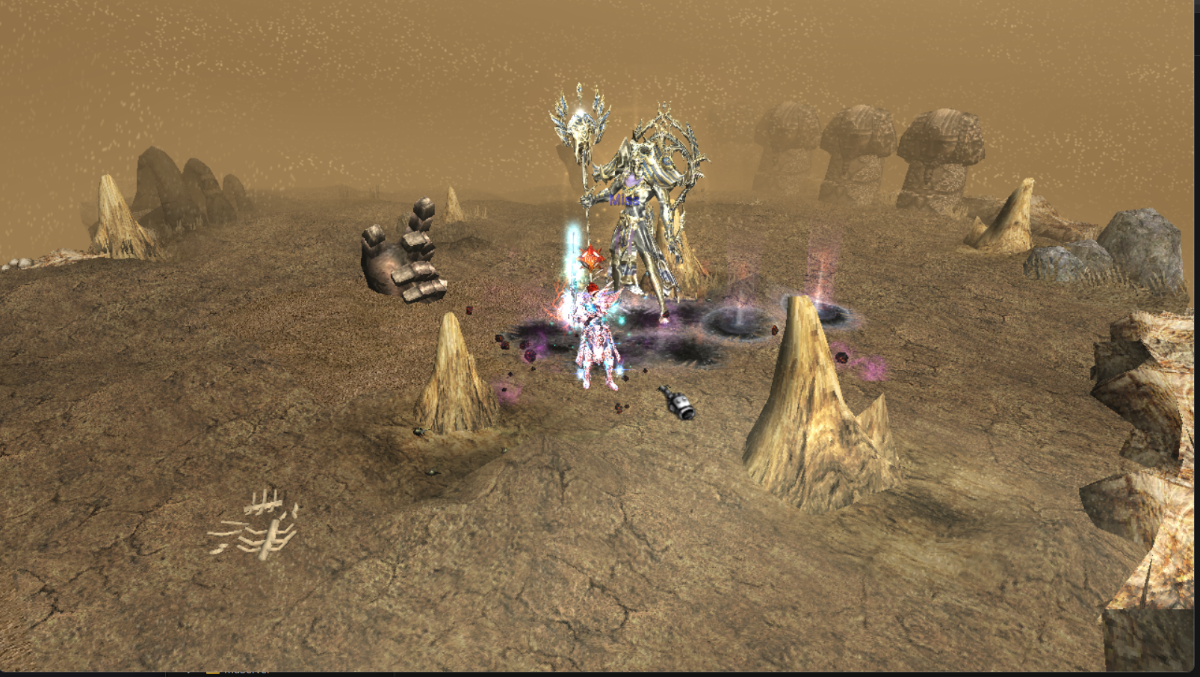
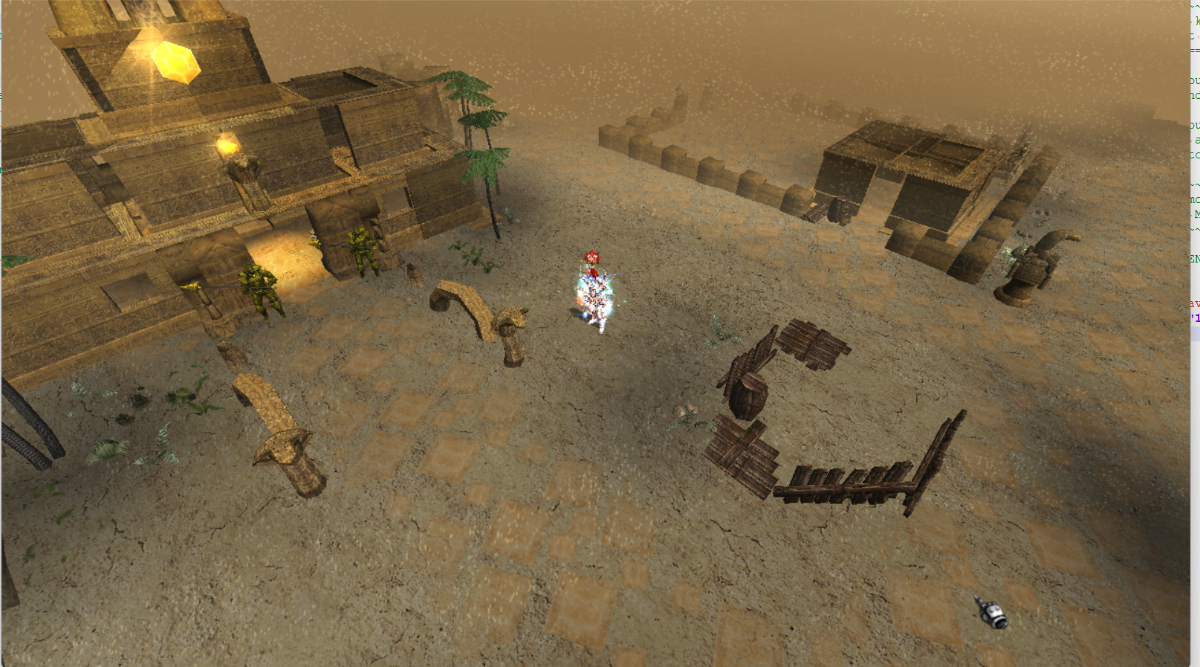
The plugin ships with a finished map and boss you can put on your server as they are: the town of Lost Land of Tarkan and the Pharaoh boss.
Beside them sit two reference builds, there to be read and copied from:
- Tarkan Copy, world 160 — a copied world, registered, with its scenery and weather scripted
- Hydra, monster 2498 — a custom model with a second render pass, lights and attack effects
Every page of the documentation builds on those two rather than inventing a new toy, and both can be deleted without breaking anything else.
One tool in the box
- IGC File Encrypt — packs terrain, scripts and config files for a live client, and renumbers a copied world in one pass
Where to buy?
The Custom Maps & Monsters plugin can be purchased from our store.
Availability and documentation
Full step-by-step documentation - from registering your first world to monster skills and the wire format — is on the wiki.
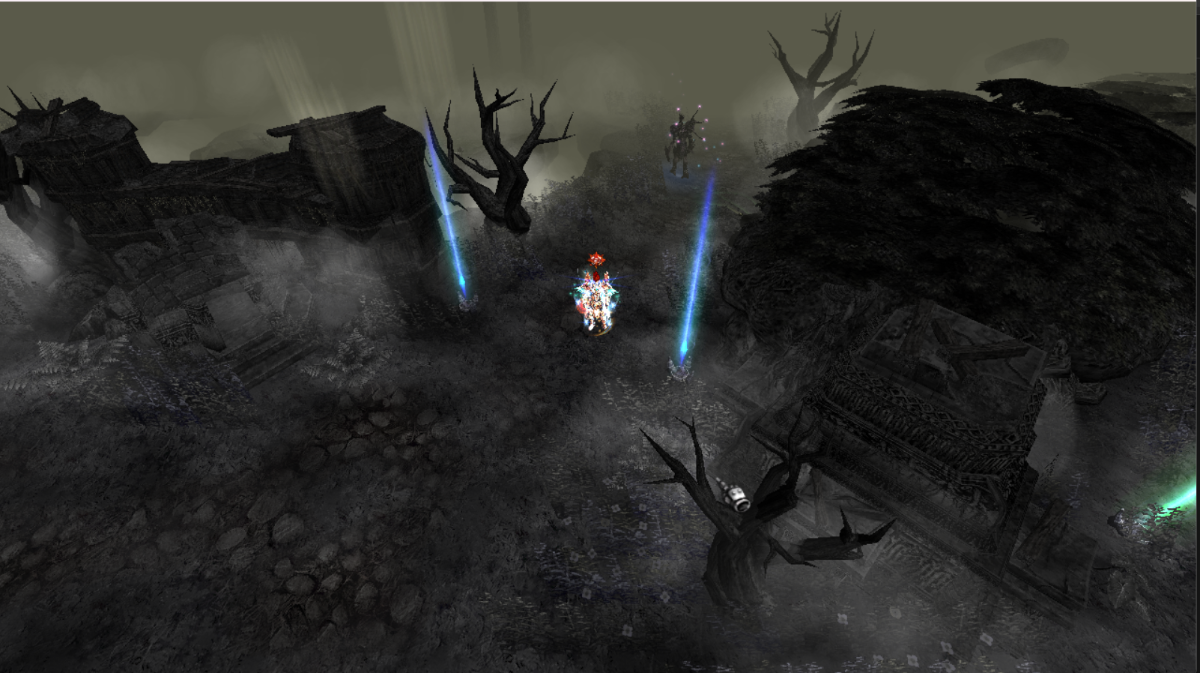
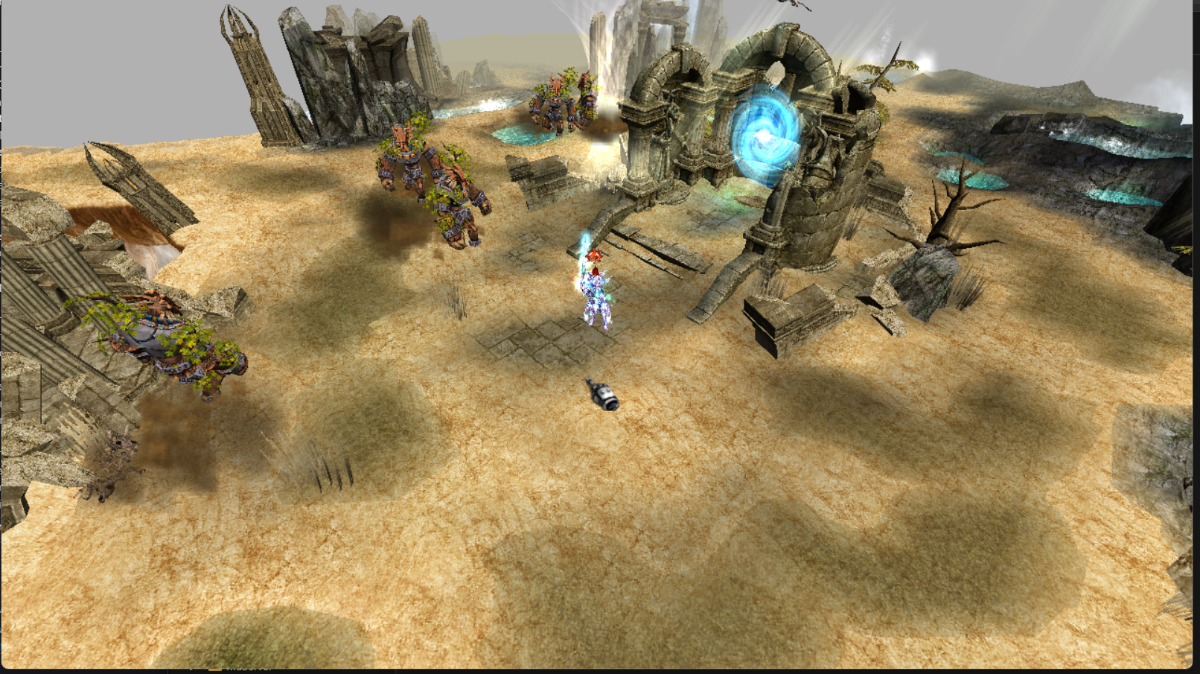
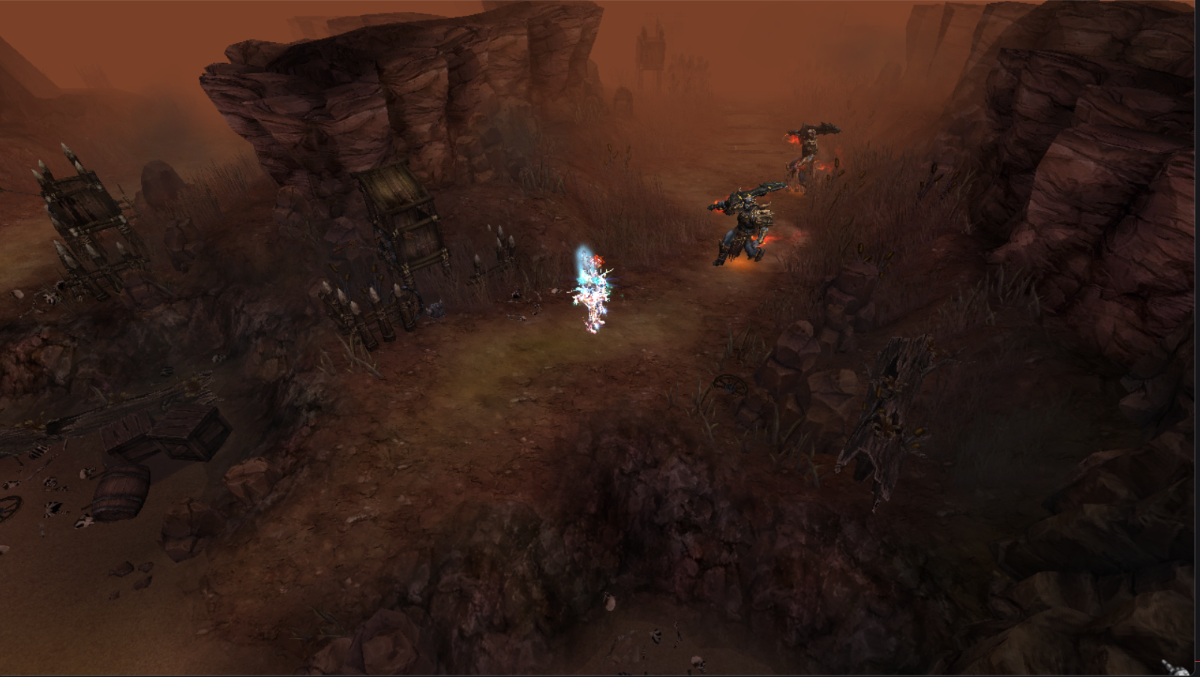
Screenshots
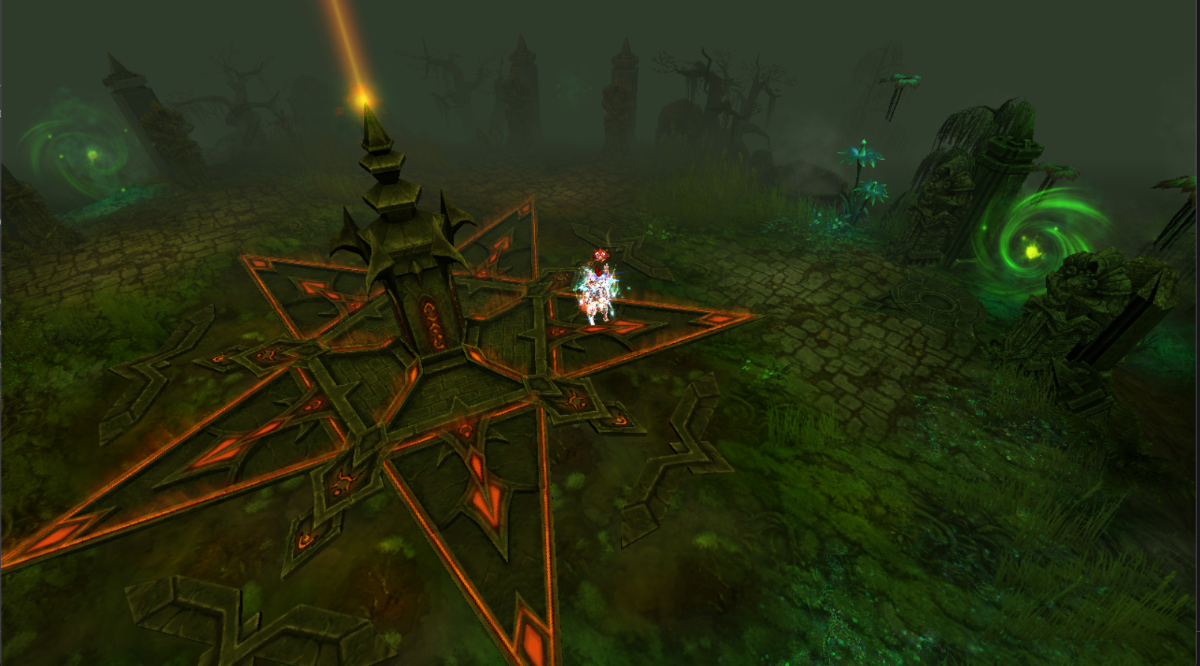
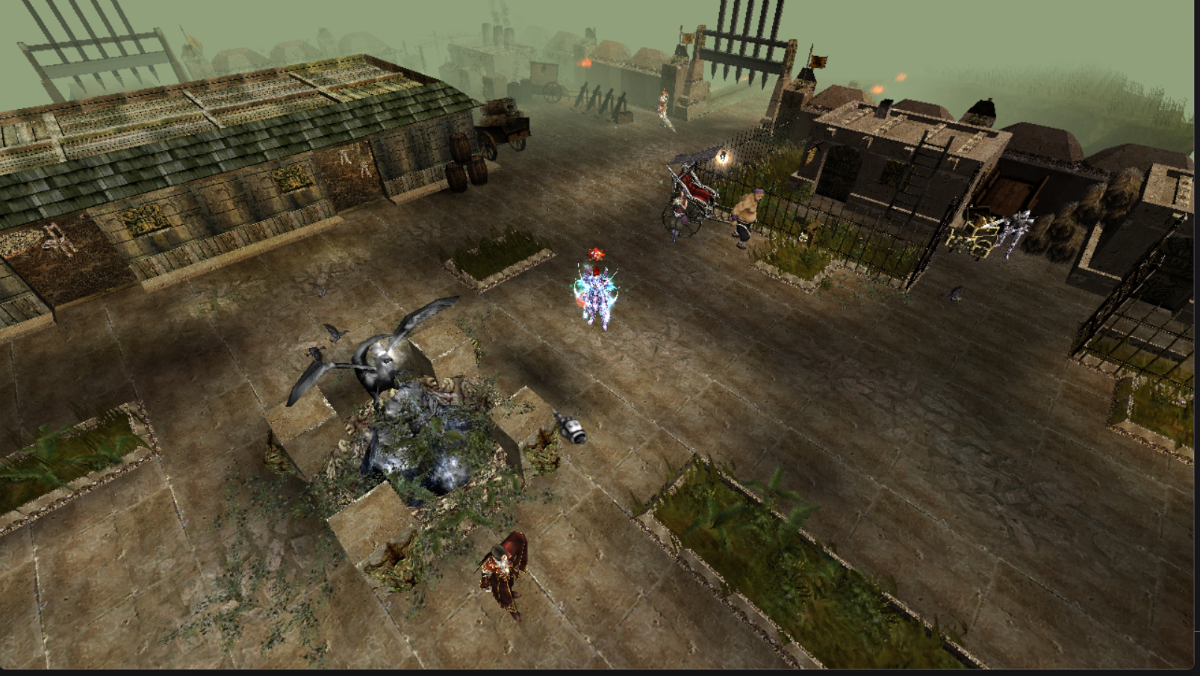
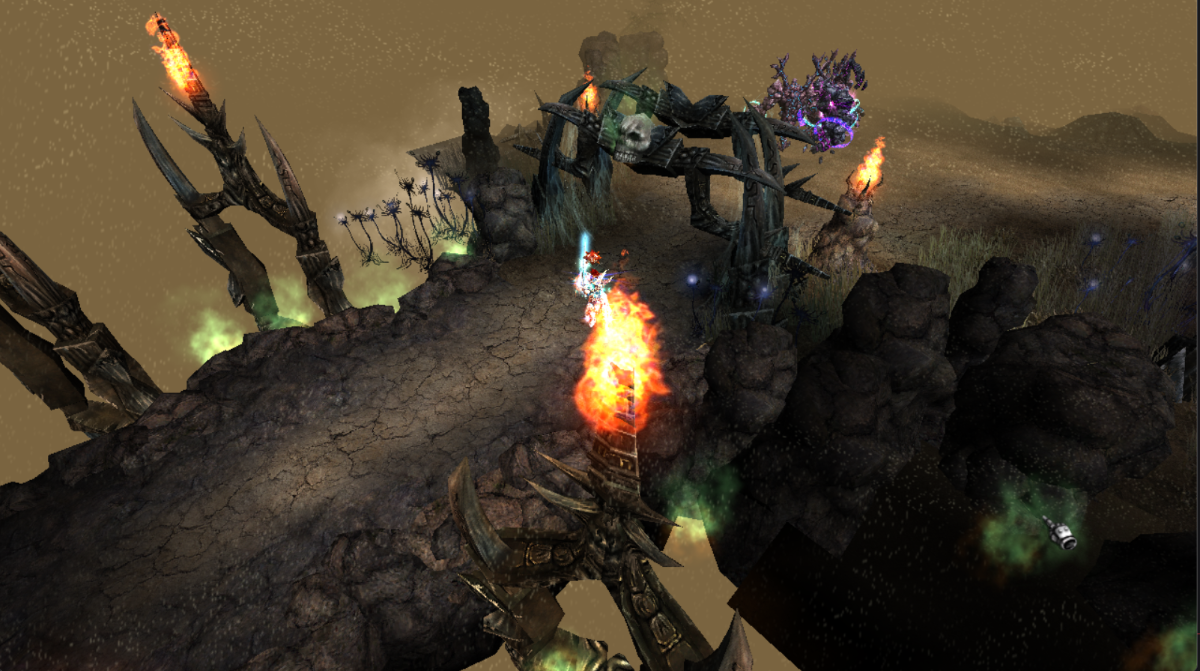
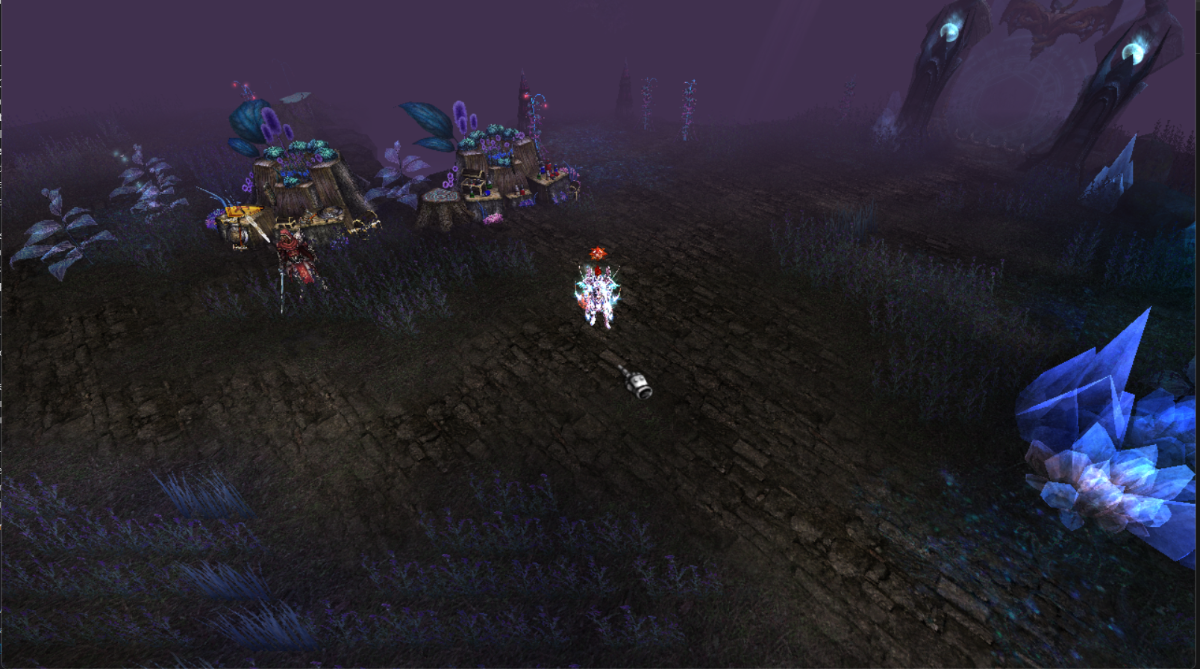


Recommended Comments
There are no comments to display.
Create an account or sign in to comment
You need to be a member in order to leave a comment
Create an account
Sign up for a new account in our community. It's easy!
Register a new accountSign in
Already have an account? Sign in here.
Sign In Now