
Leaderboard




Popular Content
Showing content with the highest reputation since 07/09/26 in all areas
-
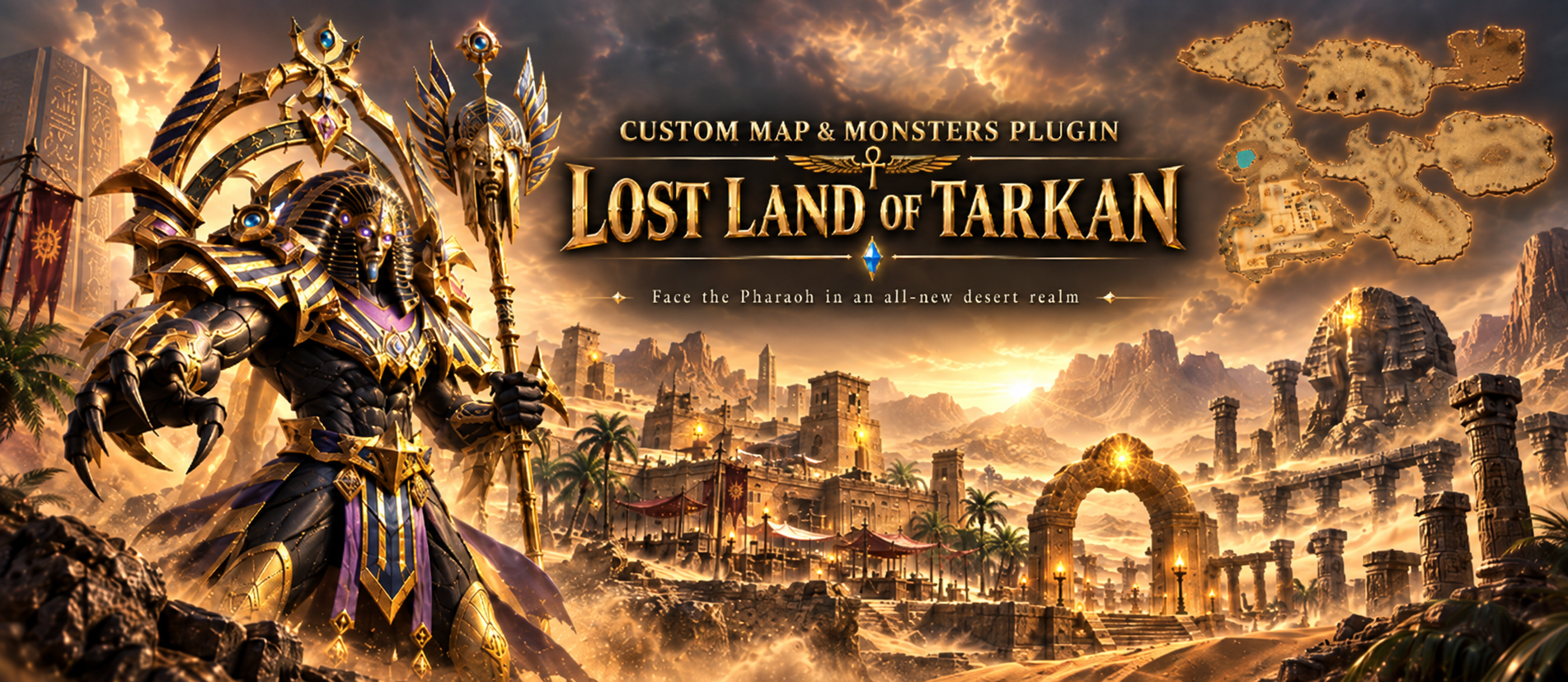 Custom Maps & Monsters: Build Your Own Worlds and Bosses in Pure Lua A new plugin for the LuaAPI ecosystem. New playable worlds and monsters from your own models, scripted entirely in Lua. Adding a world or a monster of your own to MU used to mean the same thing every time: a client developer, map limits hardcoded in the binary, and a fresh build for every model and every effect. Custom Maps & Monsters takes that wall down. Register a world, put your own models on monsters and NPCs, and give both a Lua script that runs every frame. No client patching, no rebuild. What it is Custom Maps & Monsters adds two things the client was never built for: playable worlds above the original map range, and monsters drawn from your own models. Both are configured from encrypted files, and both can be scripted in Lua. The plugin is what brings a world into the game - it does not draw one. Worlds are made and edited in MU World Creator, which is also the only way to generate a mini-map for them. Worlds the client never shipped with Register a map and it behaves like any other: warps, gates, spawns, its own music. From there a per-frame Lua script owns everything you see. Scenery animation: scrolling water, breathing lava, smoke vents, anything you can drive per frame Weather: written in Lua, from drifting snow to storms with lightning Distance fog: per map, with the sky behind the terrain matched to it Object culling: scenery past the fog is skipped, and fades out instead of popping Fading roofs: buildings open over the player, from a table or from a script Ambient sound and birds: placed slots and flocks, driven from the same script Fog and culling work on the original maps too, not only on new ones. Monsters from your own models Your own .bmd models on monsters and NPCs: scaled, tinted and lit A second render pass: glows, beams and crystals drawn over the body Attack effects: your own, or borrowed from any monster the client already has Player skills on monsters: the client draws its half, your script adds the rest Per monster: weapon slot, move speed, sound actions and render flags Built for fast iteration While the server grants dev mode to your account, the same folders load plain .lua and a console shows script errors as you work. The API is identical either way, so you develop in .lua and ship .gsc. Scripts and terrain are packed with your own 32-character key, so players load your work but can never read, copy or edit it. See it working The plugin ships with a finished map and boss you can put on your server as they are: the town of Lost Land of Tarkan and the Pharaoh boss. Beside them sit two reference builds, there to be read and copied from: Tarkan Copy, world 160 — a copied world, registered, with its scenery and weather scripted Hydra, monster 2498 — a custom model with a second render pass, lights and attack effects Every page of the documentation builds on those two rather than inventing a new toy, and both can be deleted without breaking anything else. One tool in the box IGC File Encrypt — packs terrain, scripts and config files for a live client, and renumbers a copied world in one pass Where to buy? The Custom Maps & Monsters plugin can be purchased from our store. Availability and documentation Full step-by-step documentation - from registering your first world to monster skills and the wire format — is on the wiki. Screenshots2 points
 -
Version 21.2.3.7 S3
2,150 downloads
This is x21 series of Server Suite package (S21 Part 2-3). This submission contains Full Server Suite Package of latest stable version for the series and all incremental update packages releases within the series. Summary of reported and resolved issues is provided in change-log and per specified version in the Bug Tracker If you want to be notified of further updates on this submission, make sure to follow it by clicking follow button at the top-right. CONFIG CHANGES: x21-P2-3 Interested in participating in DEV and help testing BETA releases? Check for TEST versions availability trough versions tracker. Relevant notes are attached directly to relevant TEST version.From €580.002 points -
you can create your own event using Lua API & Lua UI plugin.1 point
-
I would like to share my personal experience with IGCN Season 6. Before purchasing these files, I tested and worked with several other Season 6 alternatives. Some offered many custom features, but in my experience they often moved too far away from the classic MU Online concept or were not stable enough for the kind of serious project I wanted to build. At first, I had high expectations for IGCN Season 6 because of IGCN's reputation. During my testing I found some issues, and some fixes naturally took time. However, after following the updates and Bug Tracker, my experience has been positive. The important thing for me is that reported problems are actually investigated and fixed properly, instead of applying quick fixes that may create new problems elsewhere. Another thing I really appreciate is that classic does not mean limited. IGCN Season 6 has a huge amount of internal configuration and some options I have not seen in other files. You can customize many aspects of the server, from small details to important gameplay and balance changes. This allows you to create a unique server without losing the original Season 6 foundation. There are also optional plugins and Lua scripting possibilities for administrators who want additional functionality. Some of these options have an additional cost, but that is completely optional and allows each administrator to decide how far they want to customize their project. Personally, my priority is simple: a classic, stable and reliable Season 6 that respects the original MU Online experience, with the freedom to customize it when necessary. IGCN is giving me exactly the kind of foundation I was looking for. I am still testing and preparing my server before its official launch, but I am happy with the progress and with the recent attention being given to Season 6. For anyone who is unsure about purchasing these files and is looking to build a serious classic Season 6 project, based on my experience so far, IGCN Season 6 is an excellent alternative that I can confidently recommend. I hope the team continues improving Season 6, fixing reported issues and considering community suggestions. 👍1 point
-
1. BC bug was fixed while ago. make sure you updated your monster spawns with released updates. 2. IT should work, nobody reported any issue 3. VIP expiration cannot cause mass DC. This is misleading statement. There should be bug report created for the case and logs should be attached, so we may identify reason of DC. VIP expiration cause DC of specific character and this is how it works (and will be) since always on every Season and never was a reason of complaints.1 point
-
Added Lua API callback (onShieldEffectSend) to control effect in next release.1 point
-
We will add option in future release.1 point
-
This is now how we will natively support. You would need to scan entire inventory using existing LuaAPI, find matching items, read its data and update.1 point
-
Version 19.1.3.9 S
6,097 downloads
This is x19 series of Server Suite package (S19 Part 1-3). This submission contains Full Server Suite Package of latest stable version for the series and three of most recent updates which have to be downloaded on regular basis as are being overwritten automatically with new update releases. Summary of reported and resolved issues is provided within below change-log and per specified version in the Bug Tracker If you want to be notified of further updates on this submission, make sure to follow it by clicking follow button at the top-right. CONFIG CHANGES: srv-config/x19-P-1-3 Interested in participating in DEV and help testing BETA releases? Check for TEST versions availability trough versions tracker. Relevant notes are attached directly to relevant TEST version.From €580.001 point -
Nobody forces you to update. You are free to use the version you have now and update whenever you feel conformable to do so. I also would recommend to review your attitude and avoid calling someone a thief, as how you would call somebody wanting to use somebody's else work for free or close to free and gain profit on it?1 point
-
its better to focus on one thing and maintain it 100% i wouldnt recommend igcn for this plans yet since webzen will keep coming and coming with new updates/episodes it seems and there is enough work to do i guess, but who knows =)1 point
